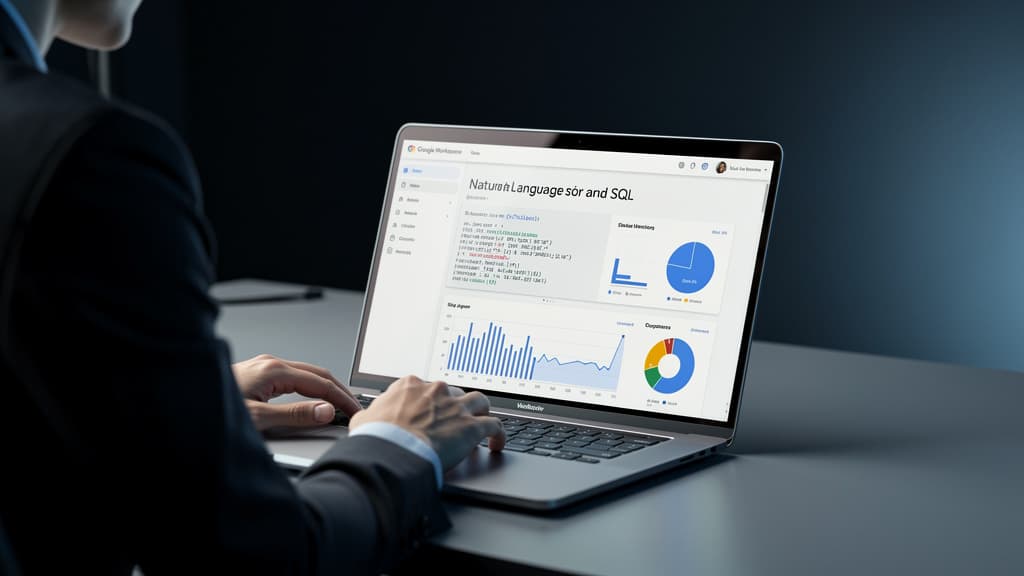
Gemini-SQL2 is shifting enterprise data workflows by allowing non-technical staff to run complex SQL queries using natural language, significantly reducing data team bottlenecks.
Google Gemini for business workspace is undergoing a quiet revolution in how organizations interact with their data. With the release of Gemini-SQL2, Google Research has delivered a text-to-SQL model that converts plain English questions into executable database queries with unprecedented accuracy — and the implications for non-technical employees are profound.
Built on Gemini 3.1 Pro, Gemini-SQL2 achieves 80.04% accuracy on the BIRD benchmark, a rigorous industry-standard test for text-to-SQL systems that uses real-world, complex database scenarios. That score places it significantly ahead of comparable offerings from OpenAI and Anthropic, according to Google Research's Gemini-SQL2 Tops Text-to-SQL Benchmarks.
For enterprise teams, this isn't just a benchmark story. It's a practical shift in who gets to ask questions of company data — and how fast they get answers.
What You'll Learn in This Guide
This tutorial walks through three concrete ways Gemini-SQL2 is changing enterprise data workflows, with practical guidance on how your organization can begin leveraging these capabilities today. Whether you're a product manager tired of waiting three days for a data pull, or a data team lead looking to reduce repetitive query requests, this is your roadmap.
Prerequisites:
- Basic familiarity with your organization's data sources (BigQuery, Looker, or other Google-connected databases)
- Access to Google Workspace with Gemini features enabled
- No SQL knowledge required for end users
Way 1: Enabling Self-Service Analytics for Non-Technical Staff
The Problem It Solves
In most enterprises, a business analyst or data scientist sits between a question and its answer. A marketing manager wants to know which campaign drove the most qualified leads last quarter — a query that takes an experienced SQL developer maybe 20 minutes to write, but which gets queued behind 15 other requests and arrives two days later.
Gemini-SQL2 collapses that gap.
How It Works in Practice
The model interprets natural language prompts and maps them to the correct tables, joins, filters, and aggregations within a connected database schema. Rather than requiring a user to know that campaign_performance joins to lead_attribution on utm_source, they simply type:
"Show me the top 5 campaigns by qualified lead volume for Q1 2026, broken down by channel."
Gemini-SQL2 generates the executable SQL, runs it against the connected data source, and returns results — often within seconds.
Getting Started
Step 1: Connect your data source. In Google BigQuery, navigate to your project settings and enable Gemini-assisted query generation under the Gemini in BigQuery panel. For Looker users, the integration is available through the Gemini in Looker feature set within Google Workspace.
Step 2: Grant appropriate read permissions. Non-technical users should be provisioned with read-only access to relevant datasets. This ensures they can query data without risk of modification. Use BigQuery's IAM roles — specifically roles/bigquery.dataViewer — scoped to the datasets relevant to their function.
Step 3: Introduce a natural language query interface. Tools like Looker's conversational analytics interface, or the Gemini sidebar in Google Sheets connected to BigQuery, provide the front-end experience. Users type questions; the model generates and executes the SQL transparently in the background.
Step 4: Validate with a pilot group. Roll out to a small cohort of 5–10 business users first. Have them submit their most common recurring data requests as natural language prompts and compare accuracy against known outputs. Gemini-SQL2's 80.04% BIRD benchmark score reflects performance on complex, multi-table enterprise schemas — expect high accuracy, but build a feedback loop for edge cases.
Key stat: The BIRD benchmark specifically tests models against databases with domain-specific terminology, dirty data, and complex multi-hop joins — conditions that mirror real enterprise environments, not sanitized academic datasets.
Way 2: Reducing Bottlenecks on Specialized Data Teams
Reframing the Data Team's Role
When any employee can ask a data question and receive a structured, accurate answer, the data team's capacity shifts from fulfilling routine requests to higher-value work: data modeling, governance, infrastructure optimization, and strategic analysis.
This is the organizational promise of Gemini-SQL2 at scale — not replacing data professionals, but redirecting their expertise.
Implementation: Building a Query Governance Layer
Step 1: Catalog your schemas with business-friendly metadata. Gemini-SQL2's accuracy improves significantly when table and column names are accompanied by clear descriptions. In BigQuery, use the schema description fields to annotate columns with plain-language explanations. For example, rename or describe acq_cst_per_lead_adj as "Adjusted cost per qualified lead acquisition, net of refunds." The model uses these descriptions to ground its query generation.
Step 2: Create curated "data domains" for different teams. Rather than exposing all datasets to all users, segment access by function. Marketing gets access to campaign and attribution tables; Finance gets access to revenue and cost tables. This reduces the surface area for misinterpretation and improves query relevance.
Step 3: Implement query review for sensitive datasets. For tables containing PII or financially material data, configure an approval workflow where generated SQL is reviewed by a data steward before execution. Google Cloud's Dataplex governance tools integrate with BigQuery and can flag queries touching sensitive columns.
Step 4: Track query patterns to identify training opportunities. Log the natural language prompts that result in failed or inaccurate queries. These become the curriculum for a short internal workshop helping business users frame questions more effectively — and they surface gaps in schema documentation that the data team can address.
The Compounding Effect
Organizations that have deployed earlier text-to-SQL tooling report that routine data requests to centralized analytics teams can drop by 40–60% within the first quarter of deployment, freeing data engineers for architecture and modeling work. With Gemini-SQL2's accuracy advantage over prior-generation tools, those deflection rates are expected to improve further.
Way 3: Accelerating Decision-Making in Time-Sensitive Workflows
Speed as a Competitive Variable
In fast-moving business contexts — a sales team preparing for a quarterly business review, an operations lead responding to a supply chain disruption, an executive needing real-time revenue figures before a board call — the latency between question and data answer has direct business consequences.
Gemini-SQL2's integration into Google Workspace positions it as an ambient capability: available wherever employees already work, not a separate tool requiring context-switching.
Practical Workflow Integration
Step 1: Enable Gemini in Google Sheets with BigQuery connection. From Google Sheets, connect to a BigQuery dataset via Data > Data Connectors. With Gemini features enabled in your Workspace admin console, users gain access to the "Ask Gemini" sidebar, where natural language queries generate live-refreshing data tables directly in their spreadsheet.
Step 2: Build reusable prompt templates for recurring questions. Identify the 10–15 questions your teams ask most frequently — weekly revenue by region, pipeline coverage ratios, support ticket volume by product category. Encode these as saved prompt templates in your Gemini interface. Users can execute them with a single click, with date ranges and filters adjustable via plain language.
Step 3: Integrate with Google Slides for automated reporting. Using Google Apps Script alongside Gemini's API, data pulled via natural language queries can be piped directly into slide templates. A weekly business review deck that previously required two hours of manual data gathering can be auto-populated in minutes.
Step 4: Set up alerting for threshold-based queries. Configure scheduled natural language queries that run automatically — "Alert me if daily active users drop more than 10% week-over-week" — and route results to Slack or Google Chat via webhook. This moves teams from reactive to proactive data monitoring without requiring a dedicated analytics engineer to build the alert infrastructure.
Why Accuracy at This Level Changes the Equation
Previous text-to-SQL tools operated at accuracy levels that made unsupervised deployment risky. A model generating correct SQL 65–70% of the time requires human review on every output — which undermines the speed benefit entirely.
At 80.04% on the BIRD benchmark, Gemini-SQL2 crosses a practical threshold where, for well-documented schemas with appropriate governance guardrails, autonomous query generation becomes operationally viable for a broad class of business questions.
The gap versus competitors matters here. Google Research's model outperforms the next-best alternatives by a meaningful margin on the same benchmark — meaning organizations choosing Google's data stack gain a measurable accuracy advantage for their non-technical users.
What to Watch Next
Gemini-SQL2's benchmark performance suggests Google is building toward deeper natural language integration across its full data services stack — BigQuery, Looker, Vertex AI, and Workspace. The logical trajectory is a unified interface where any employee, in any Google product, can ask a data question and receive a verified, governed answer.
For enterprise teams evaluating their data strategy, the actionable near-term moves are:
- Audit your BigQuery schema documentation quality (this is the highest-leverage improvement for model accuracy)
- Identify the top 20% of recurring data requests that consume data team capacity
- Run a 30-day pilot with a non-technical team using Gemini-assisted querying in Sheets or Looker
The infrastructure for democratized data access is here. The organizations that move first on governance, schema quality, and user enablement will compound the advantage fastest.
Sources:
- Google Research's Gemini-SQL2 Tops Text-to-SQL Benchmarks — The Decoder
- BIRD Benchmark for Text-to-SQL — Official benchmark site
- Gemini in BigQuery documentation — Google Cloud
- Looker conversational analytics — Google Cloud
Last reviewed: June 14, 2026